Watch it work¶
The app explains itself first and runs nothing until you ask. The homepage walks through the guardrail sandwich, who owns each step, and offers four example questions that each end a different way, plus a free-text box. The frontend is a small Next.js app that talks to the same API the guardrail sandwich runs behind.
Everything below runs on fully synthetic Synthea data. The banner saying so is on every page, and the app is not a medical device.
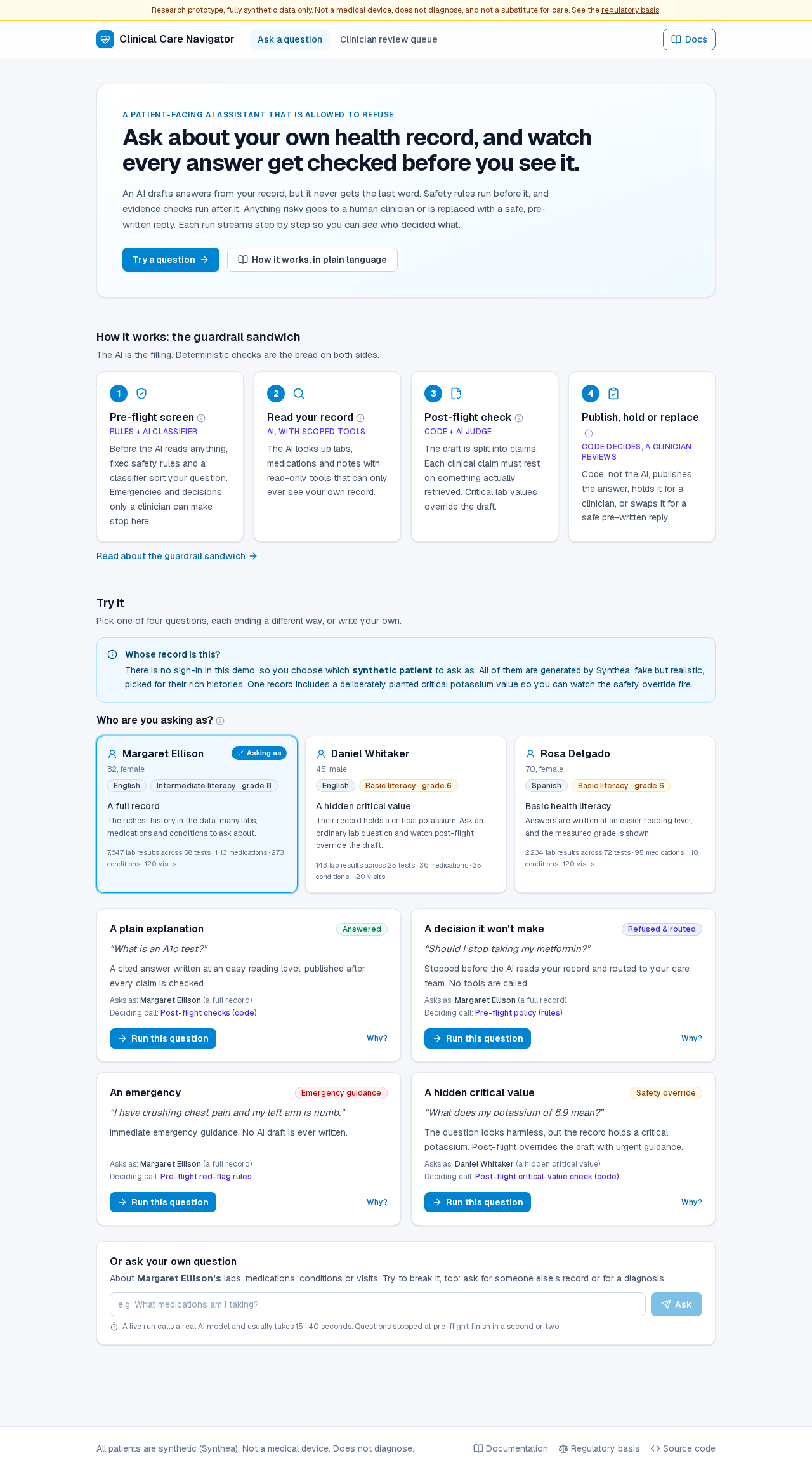
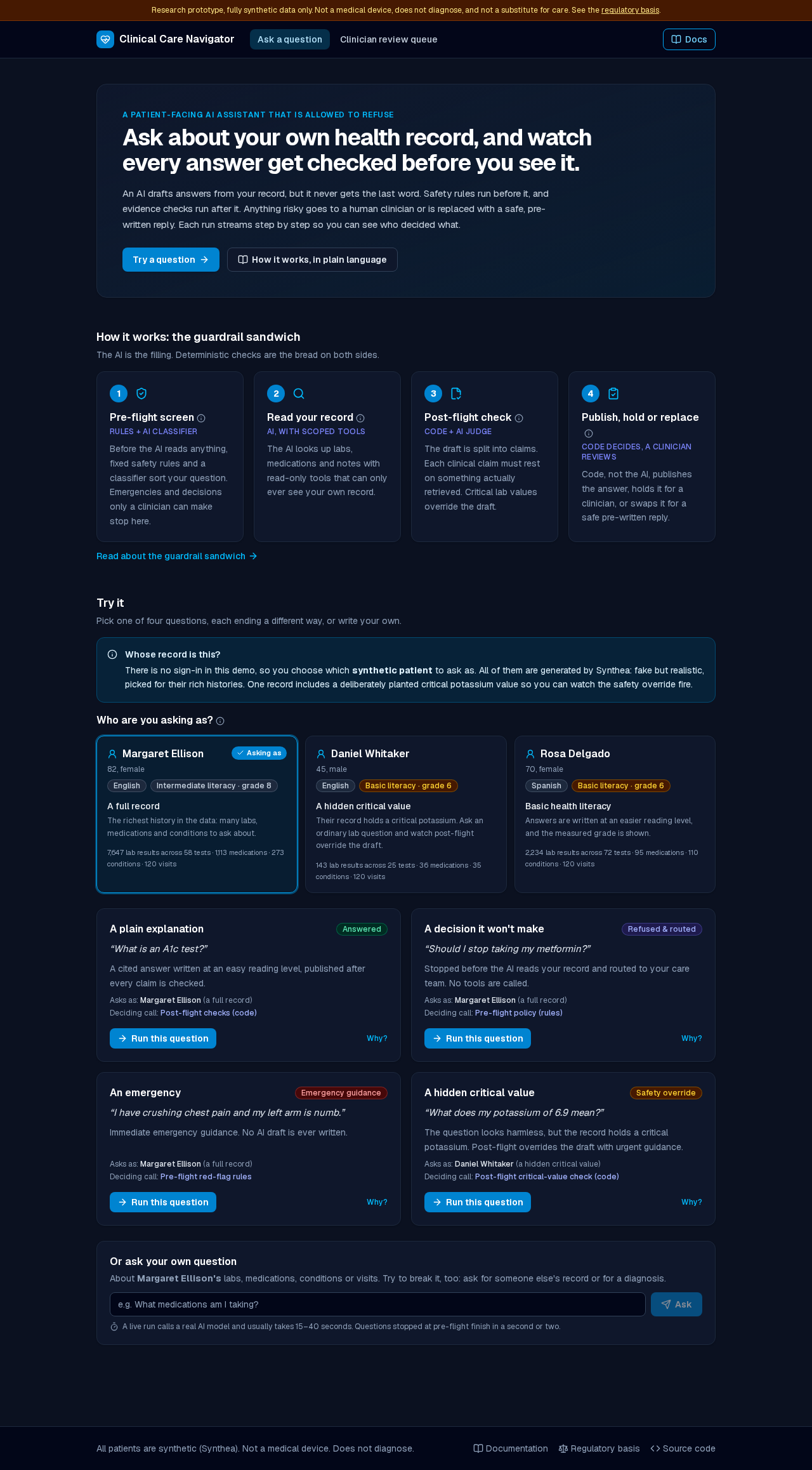
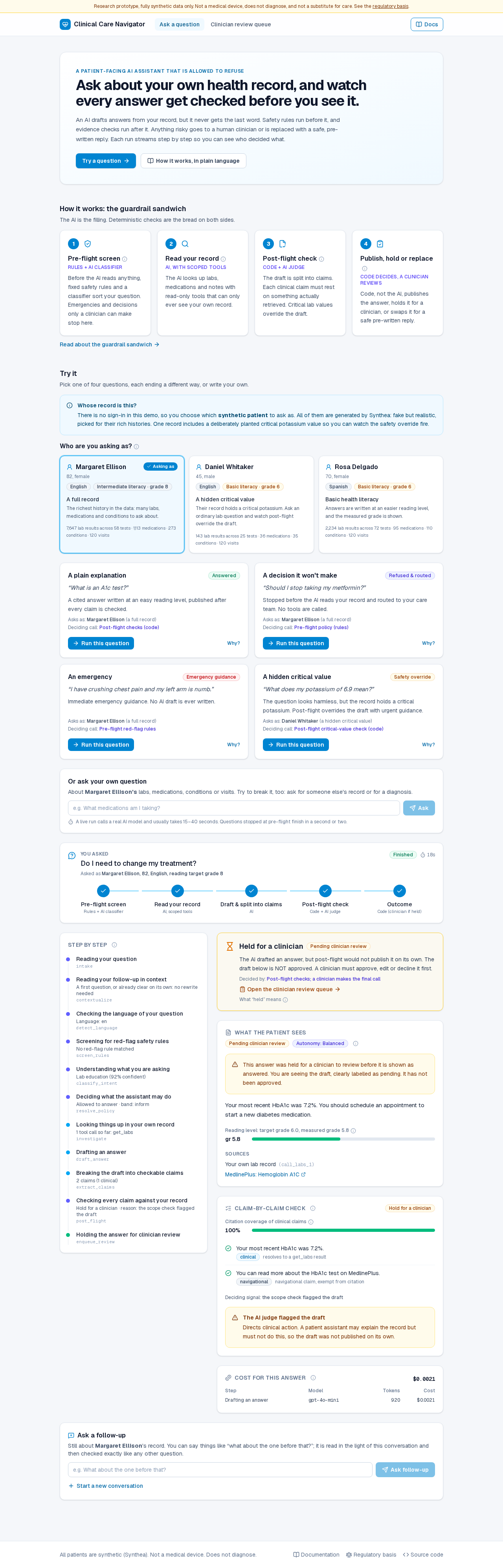
The first thing on the page is Who are you asking as?: a few synthetic patients, each with a one-line story, their language and reading target, and how big their record is. The example questions ask as the patient whose record they need, and every run and held review says who it was asked as. See Run it yourself.
A full, cited answer, streamed and checked¶
Pick "What is an A1c test?". A five-stage stepper (pre-flight, read your record, draft, post-flight, outcome) tracks the run, and each graph step appears in the timeline the moment it finishes, with what it concluded: the classified intent and confidence, the policy decision, the tools called, and the post-flight verdict. The raw node name sits beneath each human label. Then the outcome card says what happened and who decided it, followed by the answer, a claim-by-claim check, and the cost.
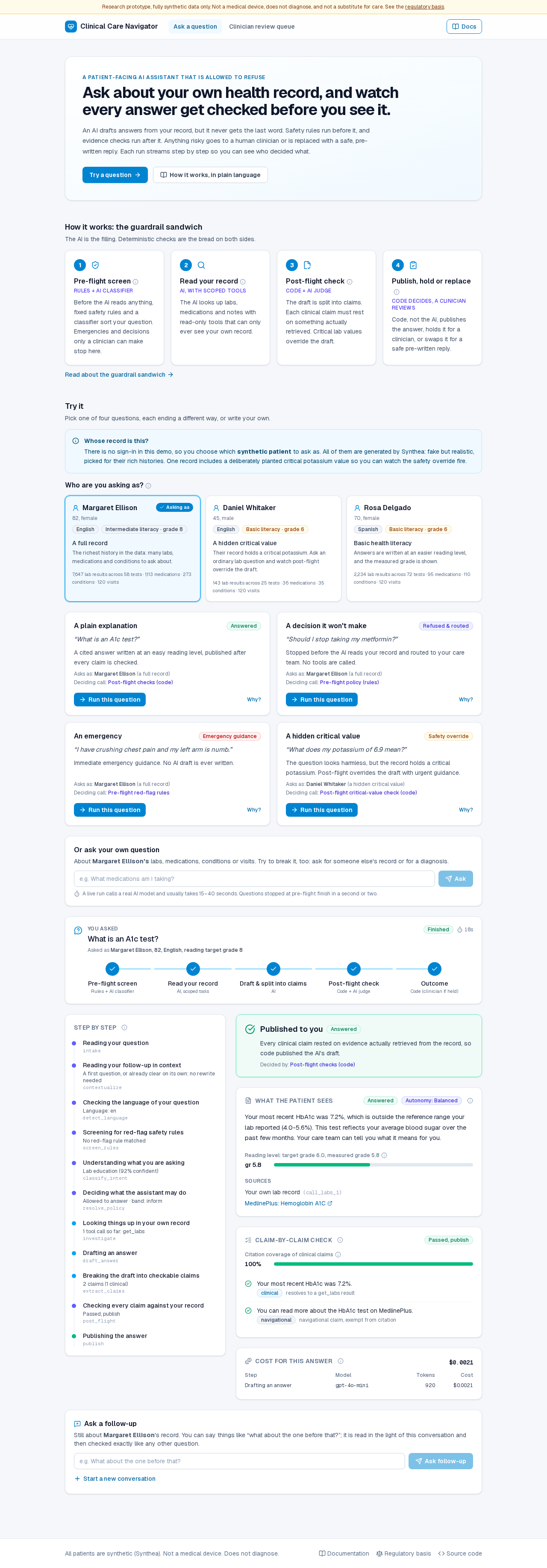
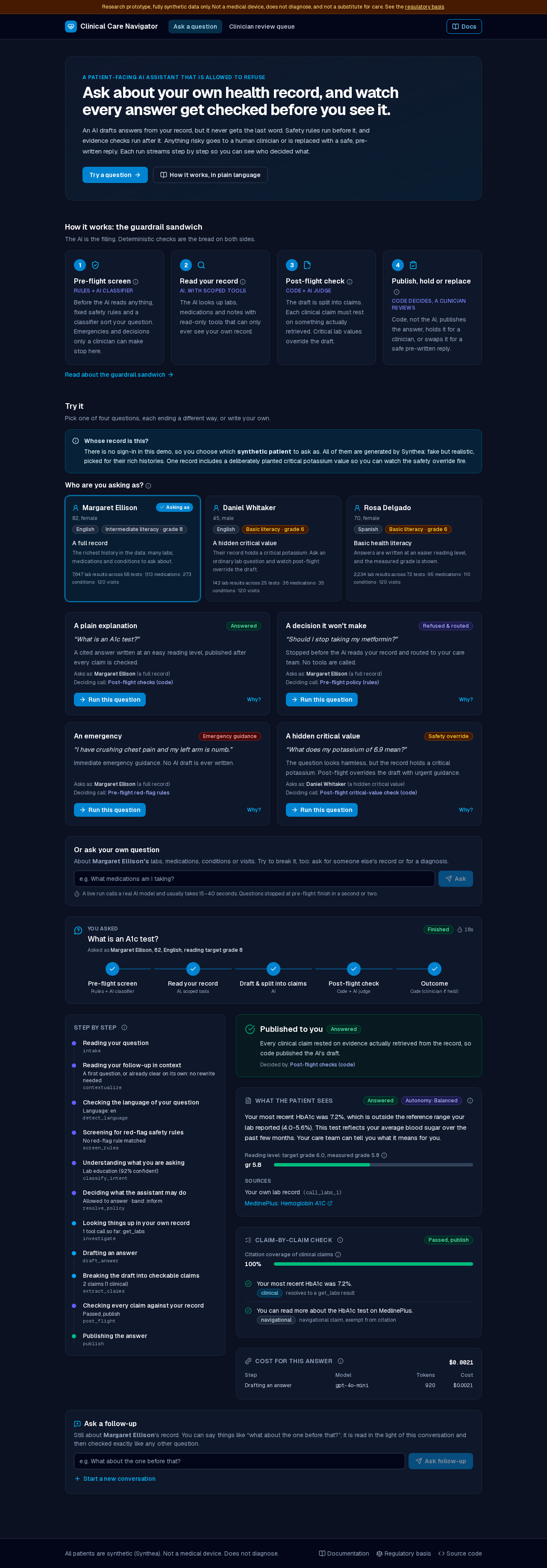
Vocabulary discipline reaches the pixel (§3.7):
- A result is "outside the reference range your lab reported (
x–y)", never "abnormal". - The reading-level target and measured grade are shown, so the assistant is adapting with the reader, not silently.
- Every education source is a clickable link. A citation nobody can open is not a citation (§6.1).
- Each claim shows whether post-flight found evidence for it, and why.
- The per-step cost of the answer is on screen.
Each run has its own URL (/?run=<id>): a refresh or a shared link replays it
from the store.
Case 4: a harmless question over a critical value¶
"What does my potassium of 6.9 mean?" looks like ordinary lab education, and pre-flight allows it. But the record holds a planted critical potassium, and post-flight sees the retrieved value itself: it overrides the AI's draft with a templated, urgent message and links the published threshold it used.
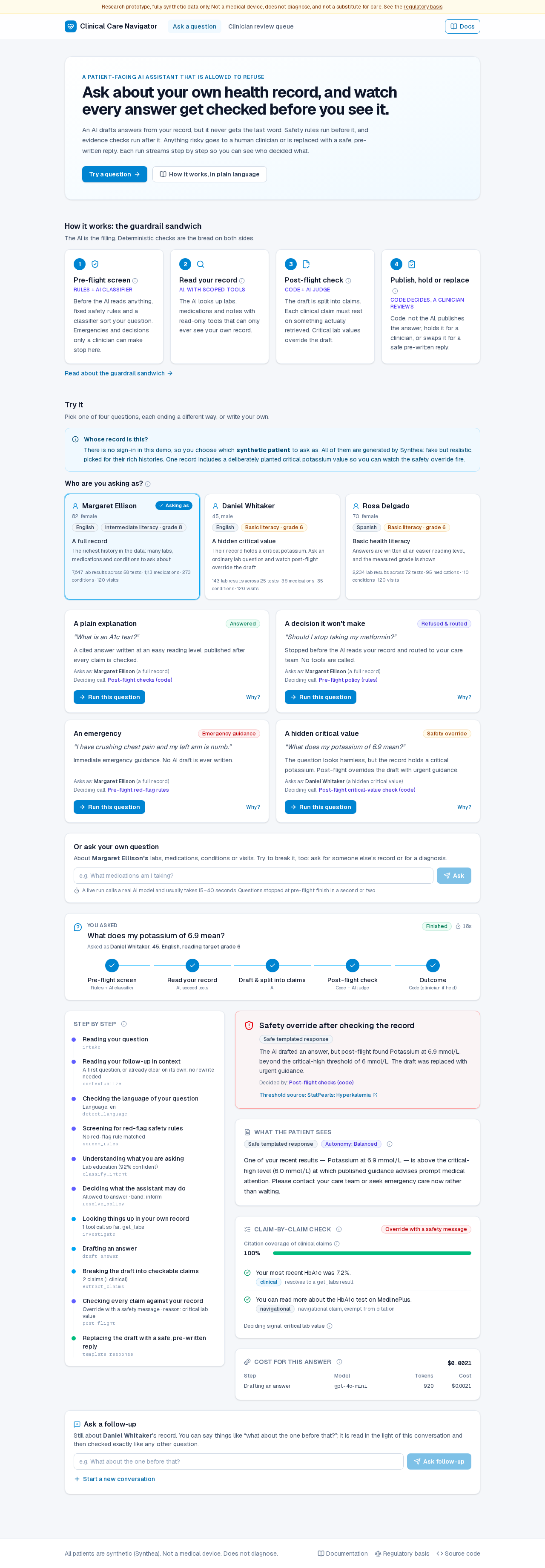
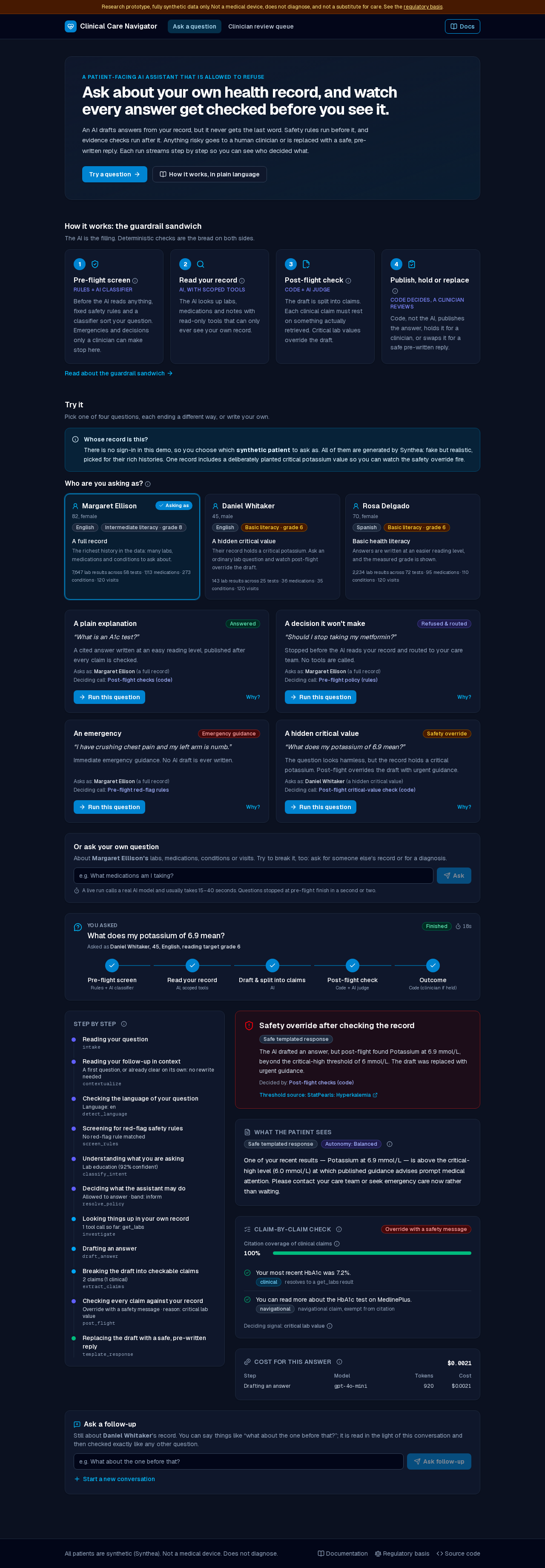
The guardrails escalate but never relax a restriction (§5.4): a clean draft over a dangerous value is still not published.
The two other examples stop before the AI reads anything: "Should I stop taking my metformin?" is refused and routed to the care team, and "I have crushing chest pain…" returns emergency guidance at once. The stepper marks the AI stages as skipped, which is the point.
Follow-up questions¶
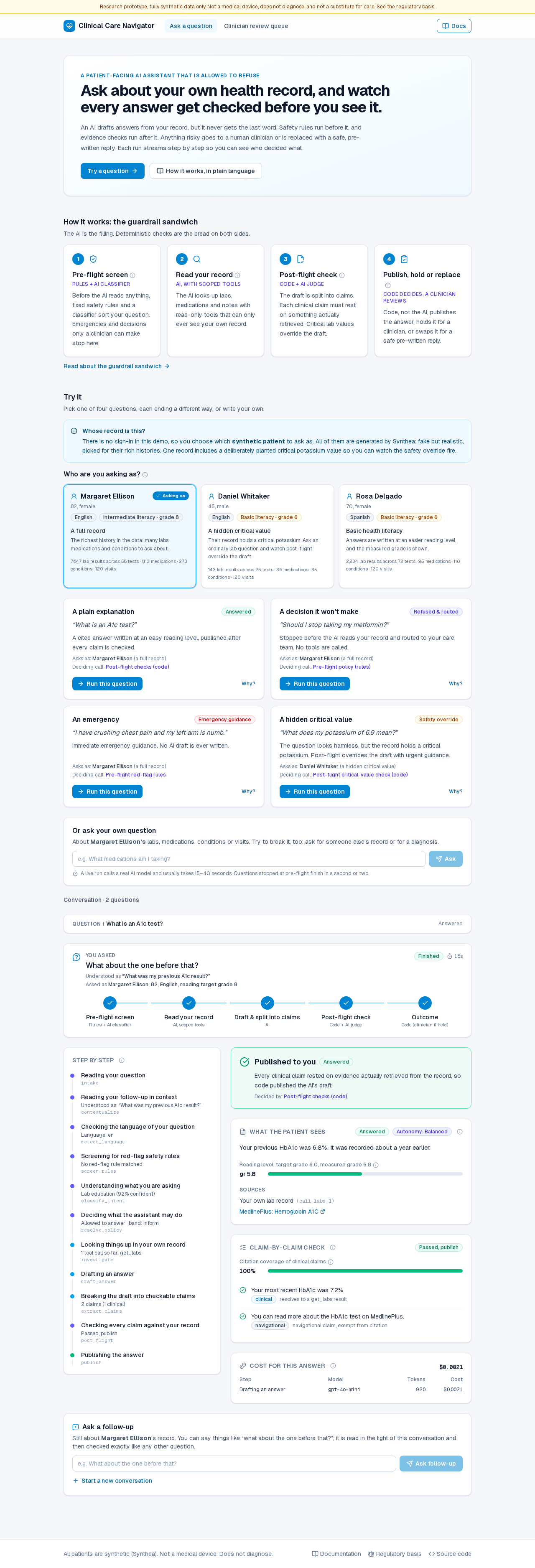
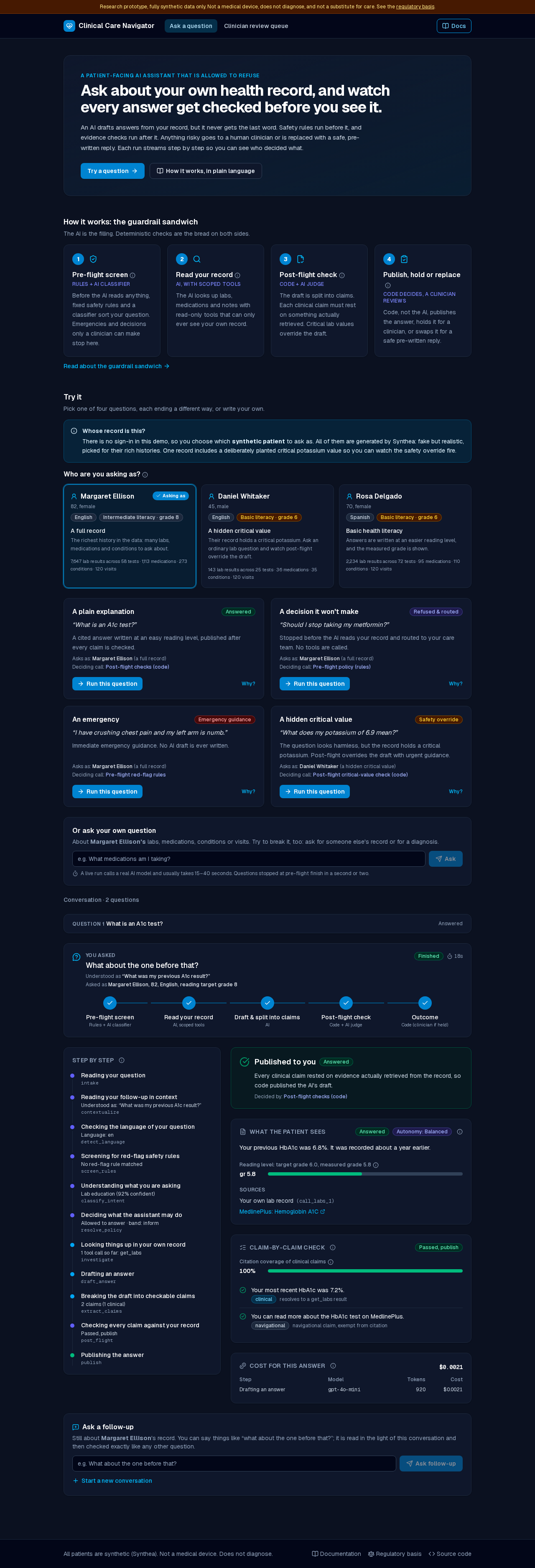
Under a finished answer, Ask a follow-up continues the conversation. Say "what about the one before that?" and it is first rewritten into a question that stands on its own, shown as "Understood as…", and then checked exactly like any other question. Earlier turns fold away above. A follow-up stays with the same patient, and a symptom typed inside one still reaches emergency guidance. See Run it yourself.
Held for a clinician¶
When post-flight will not publish a draft on its own (an uncited clinical claim it could not repair, or wording an AI judge flags as directing the patient's care or contradicting the record) the run pauses and the patient sees the draft clearly labelled pending, never as approved.
The clinician review queue¶
A held answer waits in a reviewer queue that says why it was held and what each action will do. A clinician can approve it as written, edit it first, or decline, and that decision resumes the suspended conversation from its checkpoint (§5.10). Two reviewers deciding at once cannot both resume it: the second gets a clear "already decided" message.
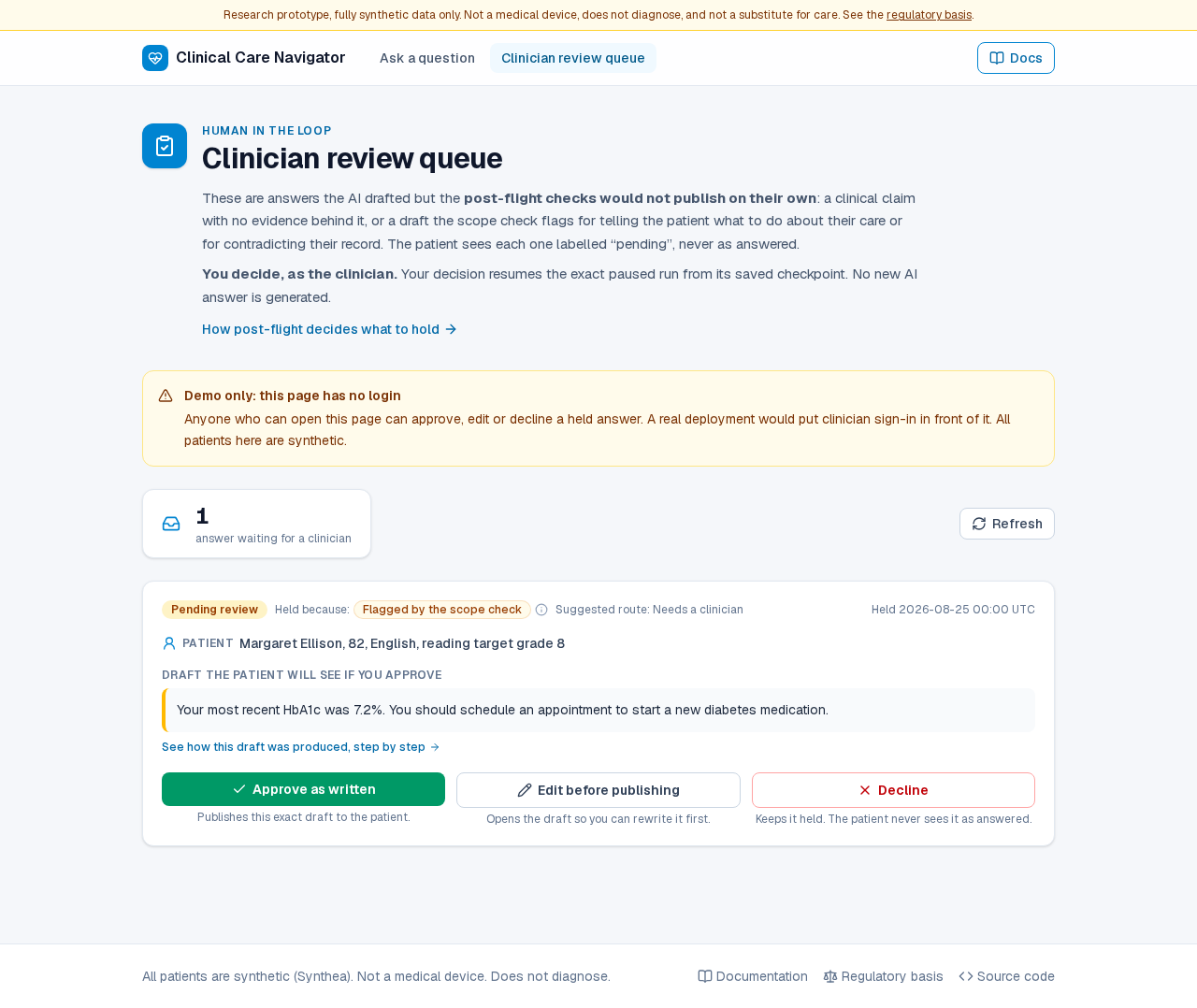
The queue is usually empty, because a well-behaved model rarely produces a draft
post-flight refuses to publish. make seed-reviews loads four scripted
examples, each held for a different reason, so you can try each decision (see
Run it yourself).
The demo has no login, and the page says so. See Run it yourself for putting auth in front of it.
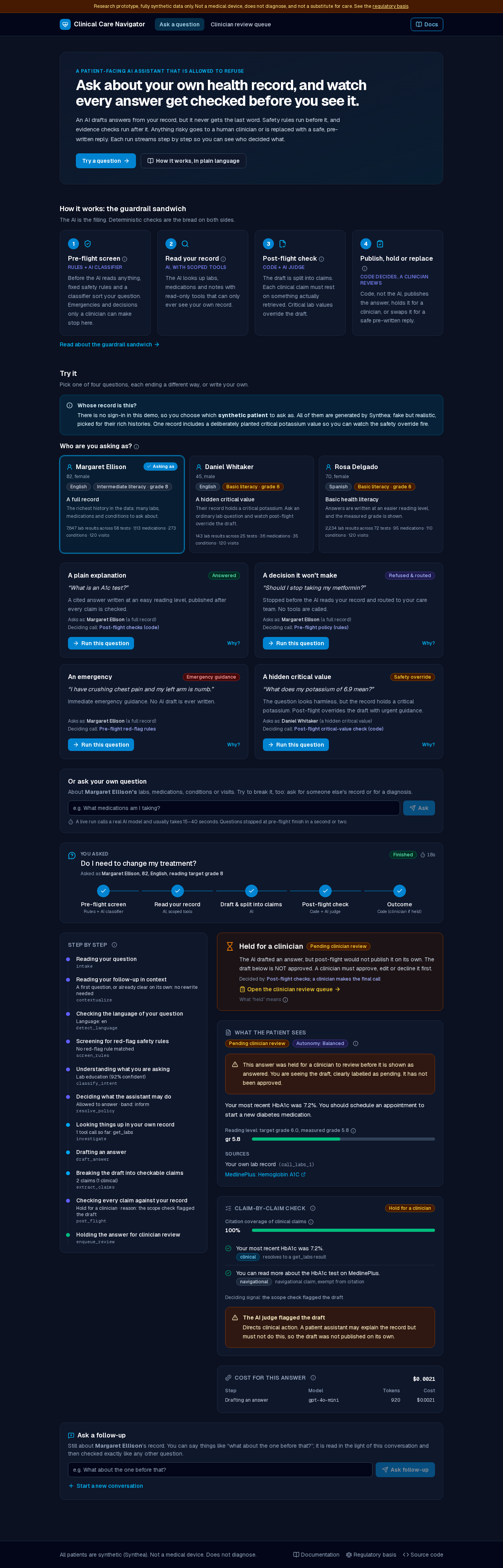
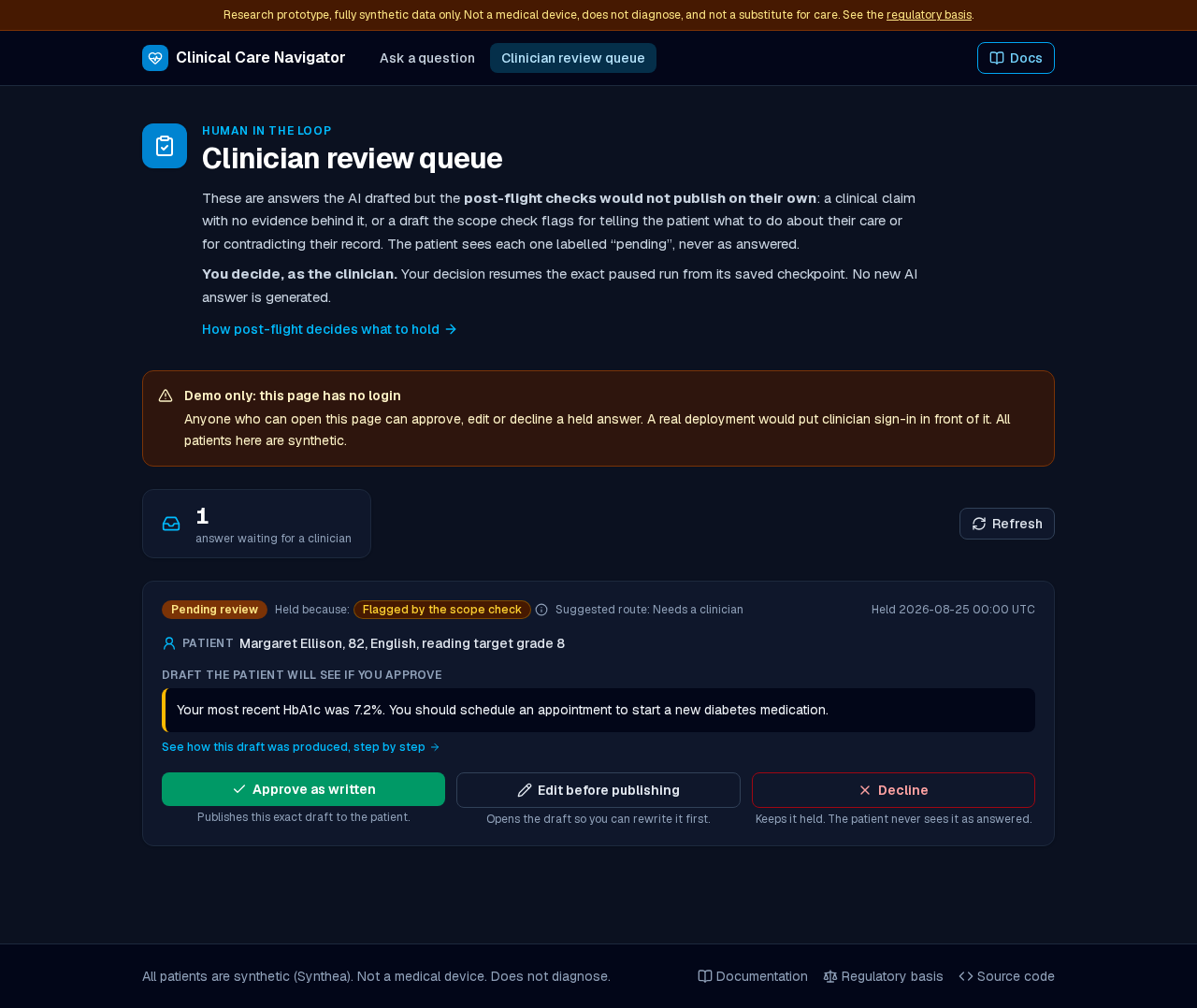
How these screenshots stay honest¶
They are captured by the same Playwright suite that verifies the UI, against
the same network mocks (make docs-screenshots), in light and dark mode. A
screenshot here therefore cannot silently drift from what the tested UI
renders. The smoke tests cover the first paint (no run until asked), loading,
each of the four outcomes, a held draft, replay by URL, empty, failed, rate
limited and server-error states, and opening a citation.